
You’ve spent hours perfecting your Instagram grid. Your Reels are snappy, your captions are witty, and you’re finally seeing those little red notification hearts pop up. But then… nothing. No emails, no bookings, and your bank balance is looking about as full as a gym on a Monday night in December.
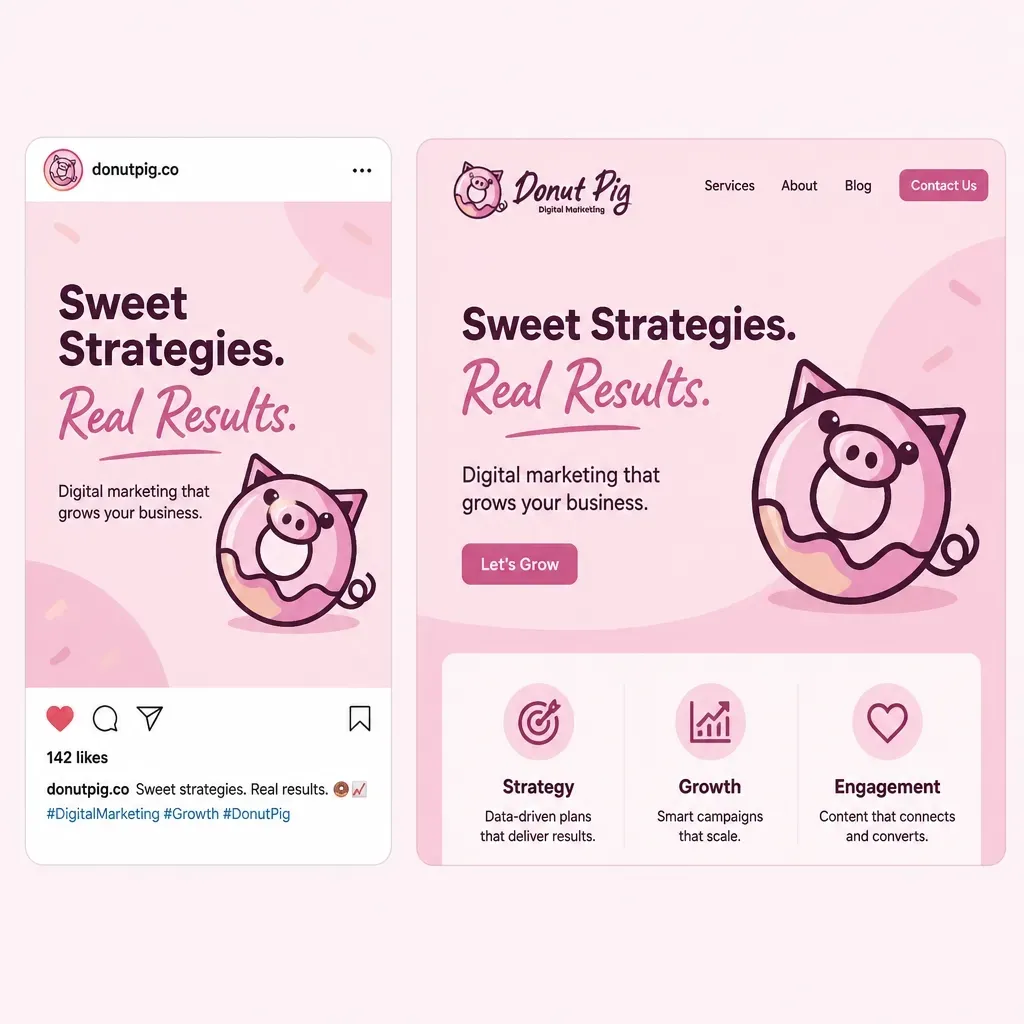
The problem usually isn’t your content. It’s the "handshake" between your social media and your website.
Think of your socials as the flashy shop window and your website as the actual shop floor. If the window looks like a boutique in Chelsea but the shop floor looks like a jumble sale in a drafty village hall, people are going to turn around and walk right back out.
Here are the seven most common mistakes UK small business owners make when connecting their digital worlds: and how to fix them before your next lead disappears into the scroll.
1. The "Link in Bio" Dead End
This is the biggest culprit. You post a brilliant photo of your new service, tell people to "click the link in bio," and then send them directly to your website’s homepage.
Now, your potential customer has to go on a digital treasure hunt to find what you were actually talking about. Most won't bother. They’ll just go back to looking at videos of golden retrievers.
The Fix: Use specific landing pages. If you’re talking about a particular service, link directly to that service page. If you have multiple things to shout about, use a "link-in-bio" page on your own website (much better for your SEO than using third-party tools) that lists your most important links.
2. Visual Whiplash

Imagine clicking on a sleek, minimalist Instagram post with a neutral palette, only to land on a website that’s neon green with five different fonts fighting for your attention. It’s jarring. It makes people wonder if they’ve clicked a dodgy link.
The Fix: Consistency is your best friend. Your website design should feel like a natural extension of your social media. Use the same logo, the same brand colours, and the same tone of voice. It builds trust, and trust is what gets the "Book Now" button clicked.
3. The "Ghost Town" Handoff
We see this all the time: a beautiful website with shiny social media icons in the footer. But when a customer clicks the Twitter icon, the last post was from 2021.
Linking to a dead social media account is worse than having no social media at all. It makes your business look like it’s gone bust or, at the very least, like you’ve stopped caring.
The Fix: Only link to the platforms you actually use. If you haven’t touched X (formerly Twitter) since the London Olympics, remove the icon from your site. Focus on the one or two platforms where you’re actually active. Quality over quantity, always.
4. The Mobile "Mosh Pit"

Almost 99% of people scrolling through social media are doing it on a smartphone. If they click your link and land on a website that isn't mobile-friendly: where they have to pinch and zoom just to read your phone number: they’re gone in seconds.
The Fix: Test your website on your phone today. Not just the homepage, but the pages you actually link to from your socials. If it feels clunky, it’s time for a social media marketing strategy that includes a mobile-first website refresh.
5. Leaving the "Proof" Behind
Social media is where your best reviews, tags, and customer photos live. If you aren't bringing that "social proof" onto your website, you're missing a trick. People buy from people, and they certainly buy from businesses that others are raving about.
The Fix: Embed your best Instagram posts or Google Reviews directly onto your site. Seeing a real person using your service or wearing your product provides more "sprinkles on the donut" (the cherry on top, if you will) than any sales copy ever could.
6. Flying Blind Without Tracking

If you don't know which social media platform is actually sending you customers, you're just guessing. You might be spending three hours a week on LinkedIn when all your actual paying customers are coming from a single Pinterest pin you forgot about.
The Fix: Get your tracking sorted. Ensure you have the Meta Pixel (for Facebook/Instagram) and GA4 (Google Analytics) installed correctly. This allows you to see exactly where your traffic is coming from and which posts are actually making you money.
7. Weak "What Now?" Factor

You’ve got them from social media to your website. Success! But then… what? If your landing page doesn't have a clear, bold Call to Action (CTA), the journey ends there. Don't assume they know what to do next.
The Fix: Every page they land on from social media should have one clear goal. "Book a Call", "Grab a Quote", or "Sign up for the Newsletter". Make it obvious, make it easy, and make it impossible to miss.
Summary: It’s All About the Handoff
Your social media and your website are two halves of the same whole. When they work together, your marketing feels effortless. When they don't, you're just making life harder for yourself and your customers.
Stop treating them like separate islands and start building the bridge between them. Your booking calendar will thank you.
Ready to stop the faff and get your marketing working together? Grab a quote or DM me today: let's get your socials and your website singing the same tune.
FAQs
How do I know if my website is mobile-friendly?
The easiest way is to open your site on your own phone and try to navigate it with one thumb. If buttons are too small to click or you have to scroll sideways, it’s not mobile-friendly. You can also use Google’s Search Console to check for mobile usability issues.
Should I use a third-party link-in-bio tool?
While tools like Linktree are easy, we always recommend building a dedicated "Links" page on your own website. This keeps the traffic on your site, helps your SEO rankings, and ensures the branding is 100% yours.
Do I need to be on every social media platform?
Absolutely not. It’s much better to be brilliant on one platform than mediocre on four. Pick where your target customers hang out and focus your energy there.
Is it expensive to set up tracking pixels?
The tools themselves (Meta Pixel, Google Analytics) are free! The "cost" is usually just the time it takes to install the code. If you’re not tech-savvy, a developer can usually do it for you in an hour or two.
What is the best CTA for a small business?
It depends on what you want the customer to do. For service businesses, "Book a Consultation" or "Get a Quote" usually works best. For shops, "Shop the Collection" is the way to go. Just make sure it's a command, not a suggestion!