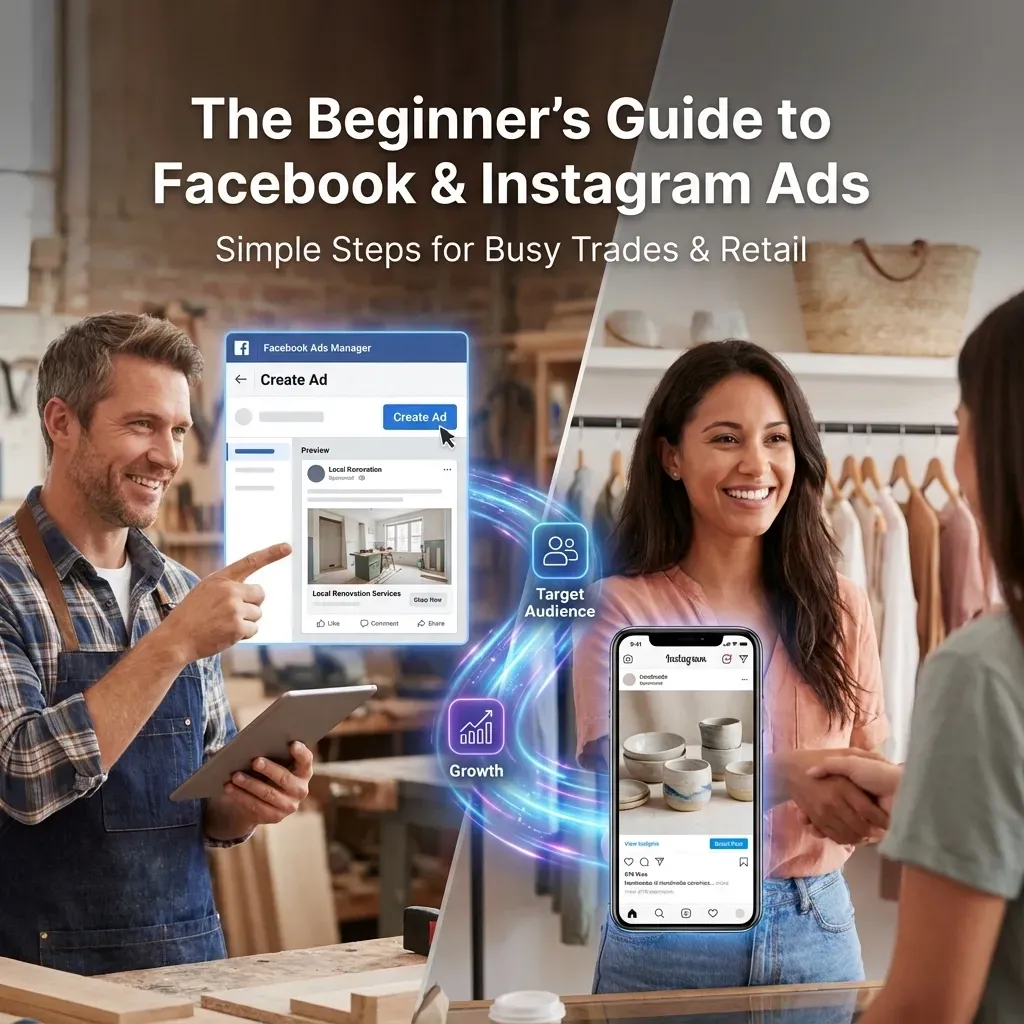

Running a small business means wearing countless hats: and now you're being told you need to add "digital advertising expert" to the list. Don't panic. Facebook and Instagram ads aren't as complicated as they seem, and you definitely don't need a marketing degree to get started.
If you're a plumber in Preston, a café owner in Cardiff, or running a retail shop anywhere across the UK, this guide will get you advertising on social media without the overwhelm. We'll skip the technical jargon and focus on what actually works for businesses like yours.
Why Facebook and Instagram Ads Matter for Your Business
Before we dive into the how-to, let's quickly cover the why. Your customers are scrolling through Facebook and Instagram every single day: probably whilst having their morning coffee or during their lunch break. These platforms let you put your business directly in front of people who are most likely to need what you offer.
Unlike traditional advertising where you're shouting into the void, social media ads let you get laser-focused. Want to reach homeowners within 10 miles of your plumbing business? Easy. Looking for coffee lovers near your café who might fancy a weekend treat? Sorted.
Getting Your Accounts Ready

Before you can start advertising, you need two things set up properly:
A Facebook Business Page: This is different from your personal Facebook profile. If you don't have one yet, head to Facebook and create a business page. It's free and takes about 10 minutes.
An Instagram Business Account: If you're already on Instagram personally, you can convert your existing account to a business one, or create a fresh business account. The key is connecting it to your Facebook Page: Instagram ads are actually managed through Facebook's system.
Think of it like this: Facebook is the control room, and Instagram is one of the screens where your ads can appear.
Your First Ad Campaign: Step by Step
Ready to create your first ad? Here's how to do it without getting lost in the weeds:
Step 1: Access Ads Manager
From your Facebook Business Page, look for "Meta Business Suite" (that's Facebook's fancy name for their business tools). Once you're in there, find "Ads Manager" in the left sidebar. This is your advertising headquarters.
Step 2: Choose Your Goal
Facebook will ask what you want to achieve. For most trades and retail businesses, these goals work well:
- Traffic: Send people to your website or online shop
- Engagement: Get more likes, comments, and shares on your posts
- Messages: Encourage people to message your business directly
- Conversions: Drive actual sales or bookings
Don't overthink this: you can always run different types of campaigns later.
Step 3: Define Your Audience
This is where the magic happens. You can target people based on:
- Location: Within 5, 10, or 25 miles of your business
- Age and interests: Perfect for retail targeting specific demographics
- Behaviours: People who've recently moved house (great for tradespeople)
- Custom audiences: Upload your email list to target existing customers
For your first campaign, keep it simple. If you run a local business, start with people within 15 miles who match your ideal customer age range.

Step 4: Set Your Budget
Here's the good news: you're in complete control. You can spend as little as £1 per day to test the waters. Most small businesses find £5-£15 per day gives them enough data to see what's working.
You can set either:
- Daily budget: Spend this amount each day
- Lifetime budget: Spend this total amount over the campaign duration
Start small, see what happens, then scale up what works.
Step 5: Create Your Ad
Now for the creative bit. Your ad needs three elements:
Visuals: Photos or videos that stop the scroll. For trades, before-and-after shots work brilliantly. For retail, clear product photos or lifestyle shots showing your products in use.
Copy: Keep it conversational. "Leaky tap? We'll sort it this week" works better than "Professional plumbing services available."
Call-to-action: Tell people exactly what to do next: "Call now," "Book online," or "Visit our shop."
What Makes an Ad Actually Work

The best ads for small businesses don't look like ads at all. They look like helpful content from a mate. Here's how to nail it:
For Trades Businesses
- Show your work in action: people love seeing problems being solved
- Include your van or uniform to build trust and recognition
- Mention specific areas you cover: "Serving Stockport and surrounding areas"
- Lead with the problem: "Boiler playing up again?"
For Retail Businesses
- Show products being used or worn, not just sitting on a white background
- Include prices if you're competitive: transparency builds trust
- Create urgency: "Weekend special" or "While stocks last"
- Use customer photos when possible: they're more believable than professional shots
Universal Tips
Keep videos under 15 seconds for Instagram: attention spans are short. Shoot everything vertically (tall, not wide) since most people browse on their phones. If you use text on images, make it big and bold enough to read on a small screen.
Budget and Timing: Making Your Money Count
You don't need to spend a fortune to see results. Here's how to be smart with your budget:
Start with £50 total to test different audiences and see what works. Split this across 3-4 different target groups over a week.
Run ads when your customers are online. For most trades, this is evenings and weekends when people are home and noticing problems. For retail, experiment with different times: lunchtime browsing is surprisingly effective.
Give campaigns time to optimise. Facebook's system needs about 3-7 days to figure out who responds best to your ads. Don't panic and change everything after one day.
Common Mistakes to Dodge
Even with the best intentions, it's easy to trip up. Here are the mistakes we see most often:
- Targeting too broadly: "All adults in the UK" won't work for your local business
- Changing things too quickly: Give your ads time to gather data before tweaking
- Forgetting to track results: Use Facebook's built-in analytics to see what's actually working
- Not testing different images: The same ad with a different photo can perform completely differently
Getting Started Today

If setting up a full campaign still feels overwhelming, here's the easiest way to dip your toes in the water: promote an existing post.
Find a post on your business Instagram or Facebook that already has good engagement: maybe photos of a recent job, a customer review, or a product showcase. Click the "Promote" button, set a small budget (£20-30), choose your target area, and let it run for a week.
This gives you a taste of how ads work without building everything from scratch. Once you're comfortable, you can graduate to creating proper campaigns in Ads Manager.
"The beauty of digital advertising is that you can start small, test what works, and scale up gradually. You don't need to bet the farm on your first campaign," says marketing expert Sarah Chen. "Small businesses often see their best results by keeping things simple and focusing on their local community."
Ready to Give It a Go?
Facebook and Instagram advertising isn't rocket science: it's just a different way of getting your business in front of the right people. The platform does most of the heavy lifting; you just need to provide good content and know who you want to reach.
Start with one simple campaign this week. Pick your best photo, write a friendly caption, set a small budget, and see what happens. You might be surprised by how many local customers are just waiting to discover what you offer.
Need help getting your first campaign off the ground? Donut Pig Digital Marketing specialises in making digital marketing simple for UK small businesses. We can help you set up your first ads and teach you how to manage them yourself: because the best marketing strategy is one you actually understand and can maintain.